Chatbot vs Business AI Agent: What Should You Build?
· Hui Huang
Chatbot vs Business AI Agent: What Should You Build?
Your company has a chatbot. It answers customer questions, searches documents, maybe drafts emails. But when someone needs to update a customer record, process an invoice, or chase a missing document, an employee still finishes the job.
That gap is the real difference between adding AI to a conversation and adding AI to an operation.
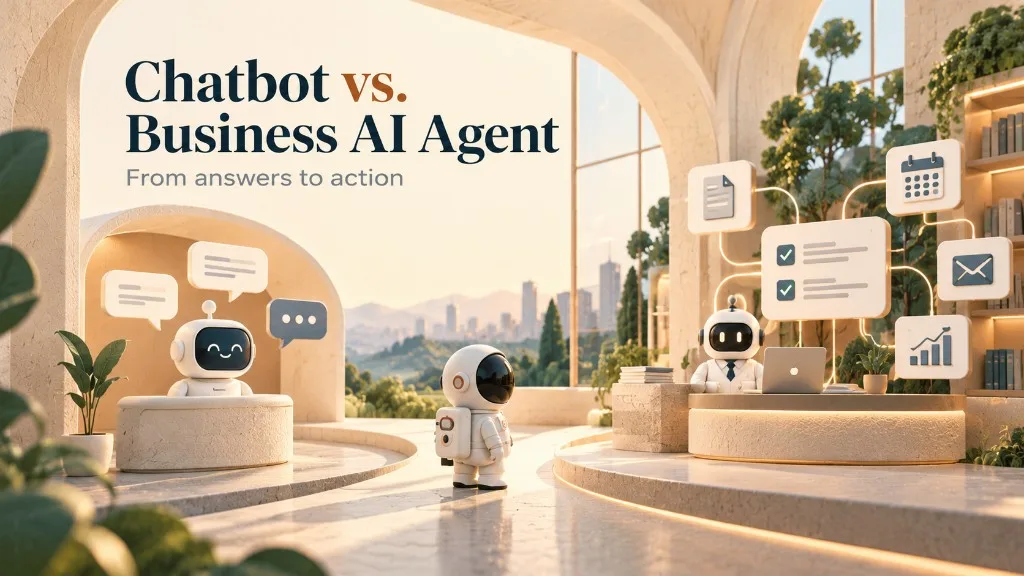
A chatbot helps people get answers. A business AI agent helps them get work done.
That choice shapes what you build, how much you spend, and whether the project shows up in the numbers.
Chatbots talk. Agents act.
A chatbot is a conversational interface. It answers questions and guides people through information or predefined tasks.
A business AI agent interprets a situation, picks permitted actions, and executes work using business data, applications, and tools.
A chatbot might tell a customer where their order is. An agent could retrieve the order, spot a delivery exception, prepare a response, and update the service record.
Both can use large language models. Both can sit in the same chat window. The difference is what happens after the system understands the request.
These are typical differences, not hard borders. Some chatbots pick up agent capabilities. Not every business AI agent needs to run on its own.
A logistics quote that never leaves the inbox
Imagine a logistics company gets an email asking for a shipment quote.
A chatbot wired to company documents can answer questions about shipping requirements or help an employee parse the request.
A business AI agent can go further. It reads the email, pulls origin, destination, equipment, and shipment details. It checks the customer record, flags missing information, builds a structured request for quoting, and routes exceptions to the right person.
If systems and policy allow it, the agent might also update the transportation management system or draft a customer follow-up.
The employee no longer copies every field between apps by hand. The agent prepares the transaction. An authorized person still owns pricing and approval.
The win is fewer manual steps between the request and a reliable business result.
When a chatbot is enough
Not every problem needs an agent.
A chatbot fits when the main problem is access to information: employees searching procedures, customers finding product details, new hires asking onboarding questions.
If people need a reliable answer, an AI chatbot on the right knowledge sources is often enough. Bolting on agents, workflow engines, and approval chains for a simple information problem adds cost without much return.
The right solution is not the most autonomous one. It is the simplest one that solves the problem reliably.
When you need a business AI agent
The case for an agent gets stronger when work continues after the question is answered.
Three situations stand out.
The work spans multiple apps. A support request needs CRM data, an ERP order check, and a ticket update.
The next step depends on context. An invoice might need approval, rejection, correction, or investigation based on contents and company rules.
You need a finished outcome. The goal is not a recommendation. It is a prepared transaction, a reconciled record, a routed exception, or a completed workflow.
Those jobs need interpretation and action together.
Still, do not replace deterministic software for sport. If a simple business rule does the job reliably, conventional automation is usually better. For how we think about buying vs building that capability, see Deployable AI vs Custom AI.
You probably do not need a fleet of agents
This is another place teams overbuild.
Say you want to automate incoming invoices. It is tempting to design one agent for extraction, one for validation, one for approval, and one for posting.
A conventional workflow with one AI-powered extraction step may get the same result with less coordination overhead.
Multiple agents help when specialization, independent review, or parallel work genuinely earns its keep. A complex onboarding flow might separate document analysis, eligibility review, account prep, and customer communication. Even then, not every capability has to be its own AI agent.
Let the workflow dictate the architecture, not the other way around.
Five questions before you call it production-ready
Hooking an LLM to an API is the easy part. Making it trustworthy in daily operations takes more engineering.
Before you deploy, answer these:
- What outcome is the agent responsible for? Name an observable result, like preparing a complete shipment record, not merely reading an email.
- What information can it trust? Mark authoritative sources and how to handle missing or conflicting data.
- What actions may it take? Spell out permissions, approvals, and hard no’s.
- What happens when something breaks? Cover unavailable systems, bad extraction, uncertainty, and escalation to a person.
- How will you measure success? Track completed work, corrections, processing time, and business impact.
A demo proves a model can do a task. Production readiness proves the whole system holds up under real conditions. Those questions matter more than whether you ship one agent or ten.
How to start without overbuilding
Look for work people repeat often, especially when it means reading unstructured input, checking existing records, and acting across apps.
Customer request intake, document verification, CRM updates, exception handling, and operational follow-ups are common candidates.
Pick one workflow with a clear owner and a measurable outcome. Write down how people handle it today, including exceptions and approvals. Then decide whether you need a chatbot, conventional automation, an AI agent, or a mix.
Build the smallest useful version and test it on real operational examples. Measure correctness, wasted work removed, and business outcome, without accepting risks you cannot live with.
Add more agents or wider automation only when the evidence says so.
The opportunity is not another chat window
Companies are moving from asking AI questions to delegating real work. That shift raises the engineering bar. A system that updates records, emails customers, or starts transactions needs stronger controls than one that only writes text.
Do not make every chatbot autonomous or every workflow agentic. Find where intelligence removes friction from operations, then ship it with the right level of control.
At Skyline Dev Labs, we help companies design and deploy AI agents and automation tied to the systems they already run. We start with the workflow and the outcome, not a preset agent count or a heavy platform bet.
If your chatbot can answer the question but your employees still complete the work, that is the opportunity worth exploring.
| Capability | Chatbot | Business AI agent |
|---|---|---|
| Main purpose | Answer and assist | Complete delegated work |
| Business data | Retrieve information | Retrieve and act on information |
| External systems | May access tools | Uses tools to execute tasks |
| Decisions | Often guides users | Can select permitted next actions |
| Execution | Mostly conversational | Can run multi-step workflows |
| Success | Useful answers | Correctly completed outcomes |
Stay Updated
Get notified when we publish new insights on AI transformation