
Your AI Should Work Even When Your Laptop Is Closed
· Hui Huang
Imagine assigning a task to your AI assistant at 5 PM, closing your laptop, and waking up to the finished work.
That’s the promise of always-on AI automation.
But two design decisions make it possible.
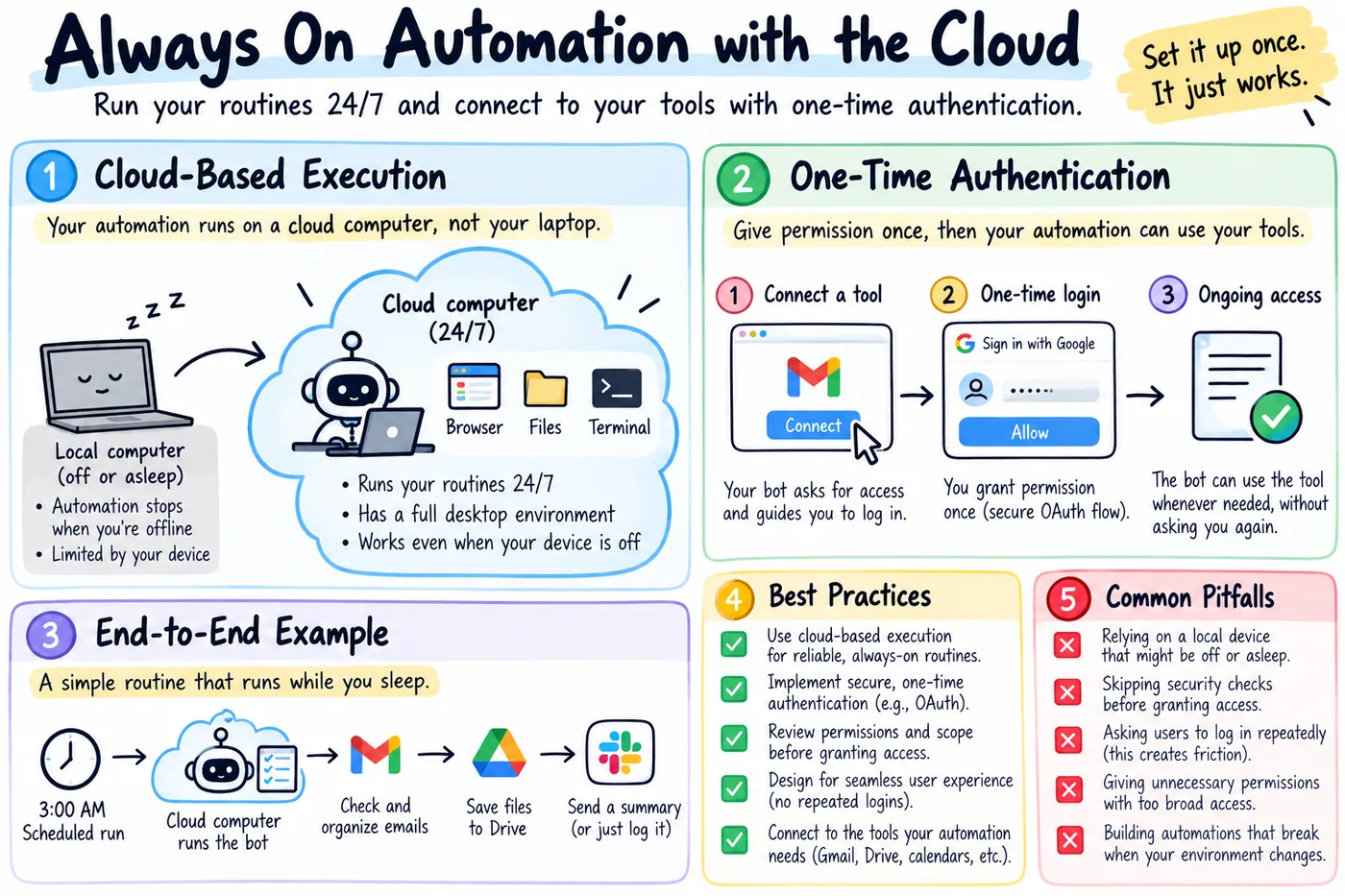
1. Move execution to the cloud
If your AI runs on your laptop, it stops when your computer sleeps.
Give it a cloud workspace, and it can keep working independently.
It can check emails overnight, research topics, organize files, and run scheduled workflows—even when you’re offline.
2. Connect once, work continuously
Your AI needs permission to use services like Gmail, Google Calendar, or other apps.
Instead of asking you to log in every time, use secure authorization such as OAuth.
You grant permission once. Your assistant can reuse that authorization while it remains valid, with controls to revoke access when needed.
Cloud execution + persistent authorization
The magic happens when these two ideas work together:
Cloud execution + Persistent authorization = Automation that doesn’t depend on your presence.
Three rules that matter
But three rules matter:
- Reliable execution: Scheduled tasks should run, recover from failures, and report results.
- Secure access: Grant only necessary permissions, with approval for sensitive actions.
- Minimal interruption: Ask users for attention only when it’s truly needed.
The best automation isn’t the one that does the most. It’s the one that needs you the least—without taking away your control.
Would you trust an AI assistant to work while you’re asleep?
Stay Updated
Get notified when we publish new insights on AI transformation